You've survived Week 1. You have a list of things to buy and a budget that needs to last four months. The laptop decision alone can make or break your first semester — and most students get it wrong not because they bought cheap, but because they bought without a plan.
There is no such thing as the best laptop. The one that suits your usage is the best for you.
Arjun's Story
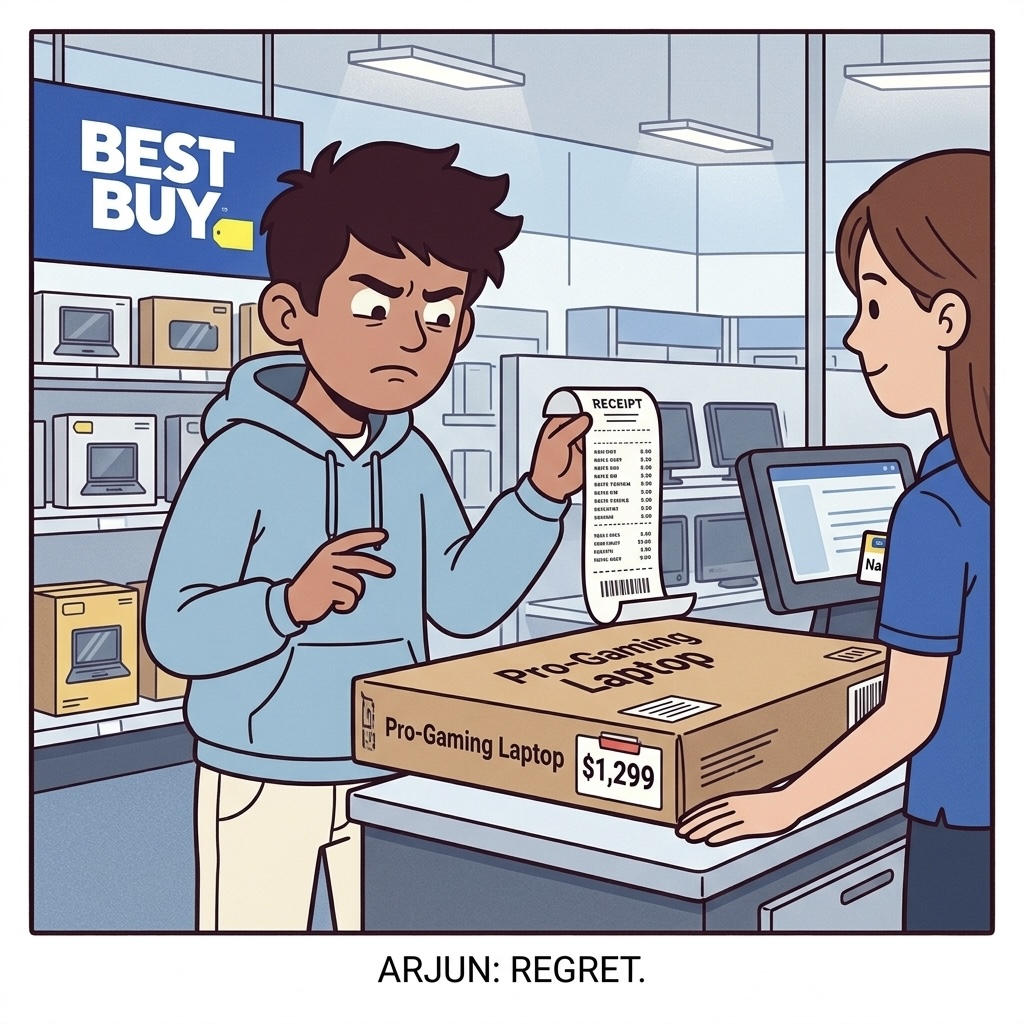
Arjun walks into Best Buy in Week 2, list-less, plan-less, just a vague idea that he needs "a good laptop for CS."
The salesperson spots him immediately. Within two minutes, Arjun is standing in front of a $1,299 Dell Inspiron 16" — large screen, Intel Core i7, sounds impressive on paper.
Arjun: "Looks good, has a 16" screen, good for coding right?"
He buys it. No student discount applied. Full retail price. He walks out feeling good about himself.
The salesperson's job is to sell — not to match you with the right machine. Always do your research before walking into any store. Know the model, the price, and whether student discount applies. Then walk in, confirm the deal, and walk out.
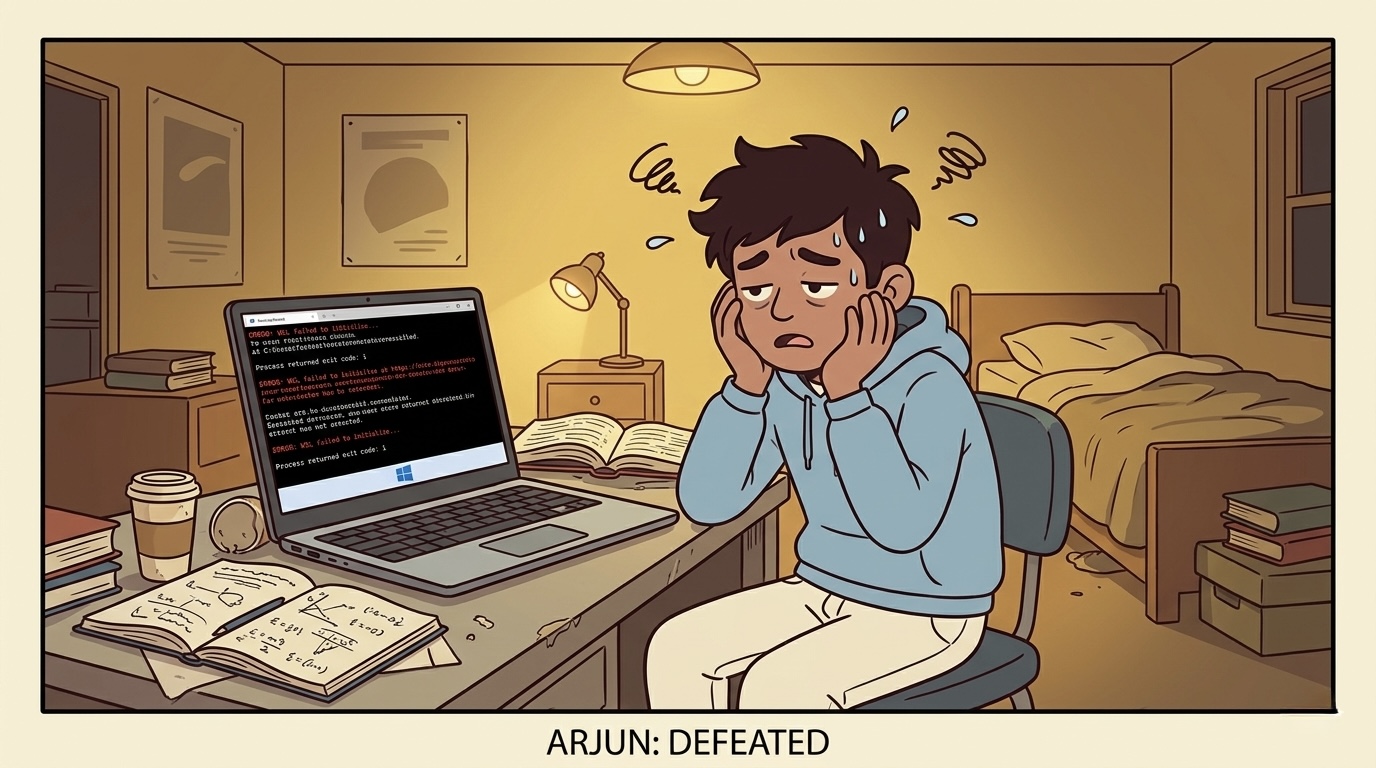
Week 1 of class. His CS program uses Unix-based tools for nearly every assignment. His Windows laptop needs WSL (Windows Subsystem for Linux) set up first. He spends two weeks troubleshooting environment issues while his classmates are already coding.
Month 6. Battery life on his Dell is down to 4–5 hours unplugged. Windows laptops are notorious for this — performance throttles significantly without the charger. He carries a 500g power brick to every lecture.
18 months in. Thermal throttling kicks in during compile-heavy builds. The fan runs loud. His laptop feels 3 years older than it is.
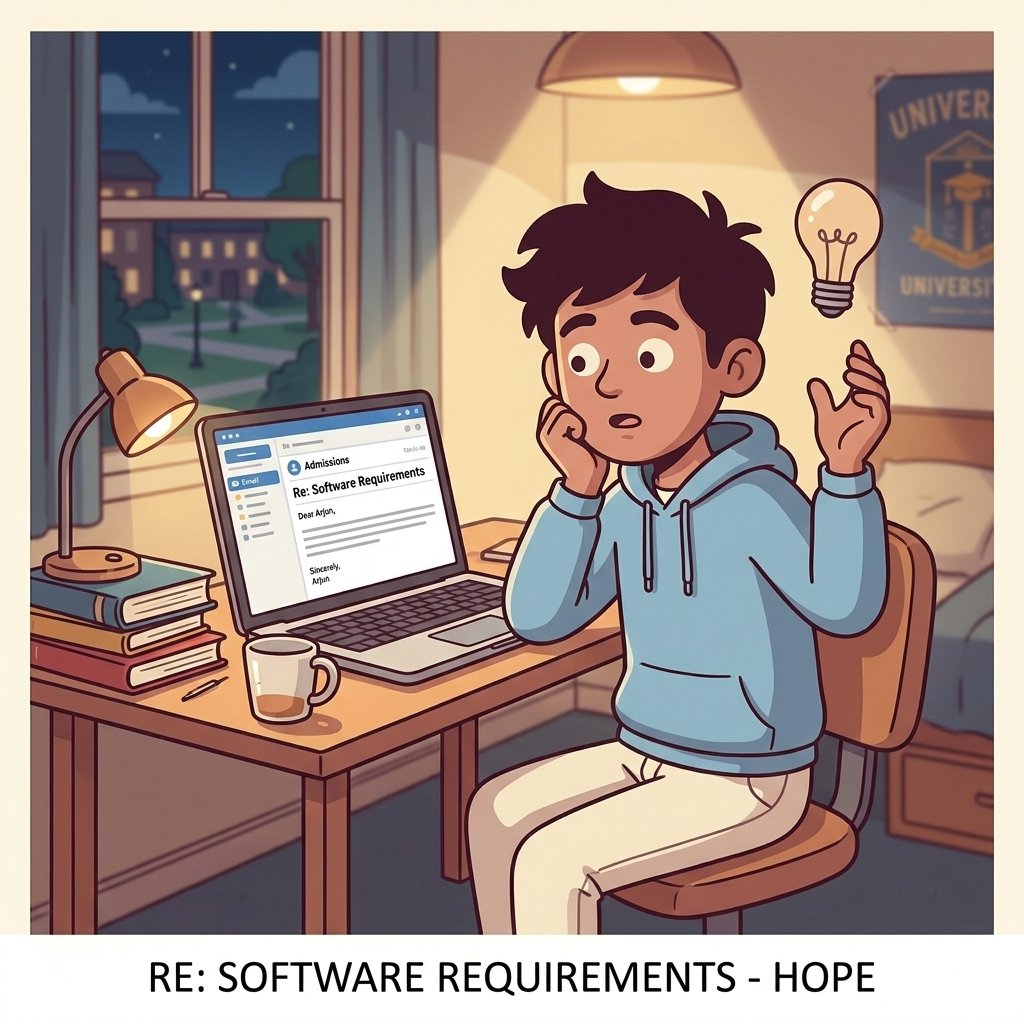
⚠️ What Arjun Should Have Done: Before buying any laptop, email your department and ask which OS your coursework requires. CS programs almost always use Unix-based tools. A Mac or Linux machine saves you hours of setup time. Check your program's student Discord or email your academic advisor — one email, answered in 24 hours, changes everything.
Priya's Story
The night before going to buy her laptop, Priya reads the StudenzBit laptop guide. She has one question she needs answered first.
She emails her university: "Can you confirm which software our CS program uses and whether it runs on Mac?"
Reply arrives the next morning: both platforms are supported.
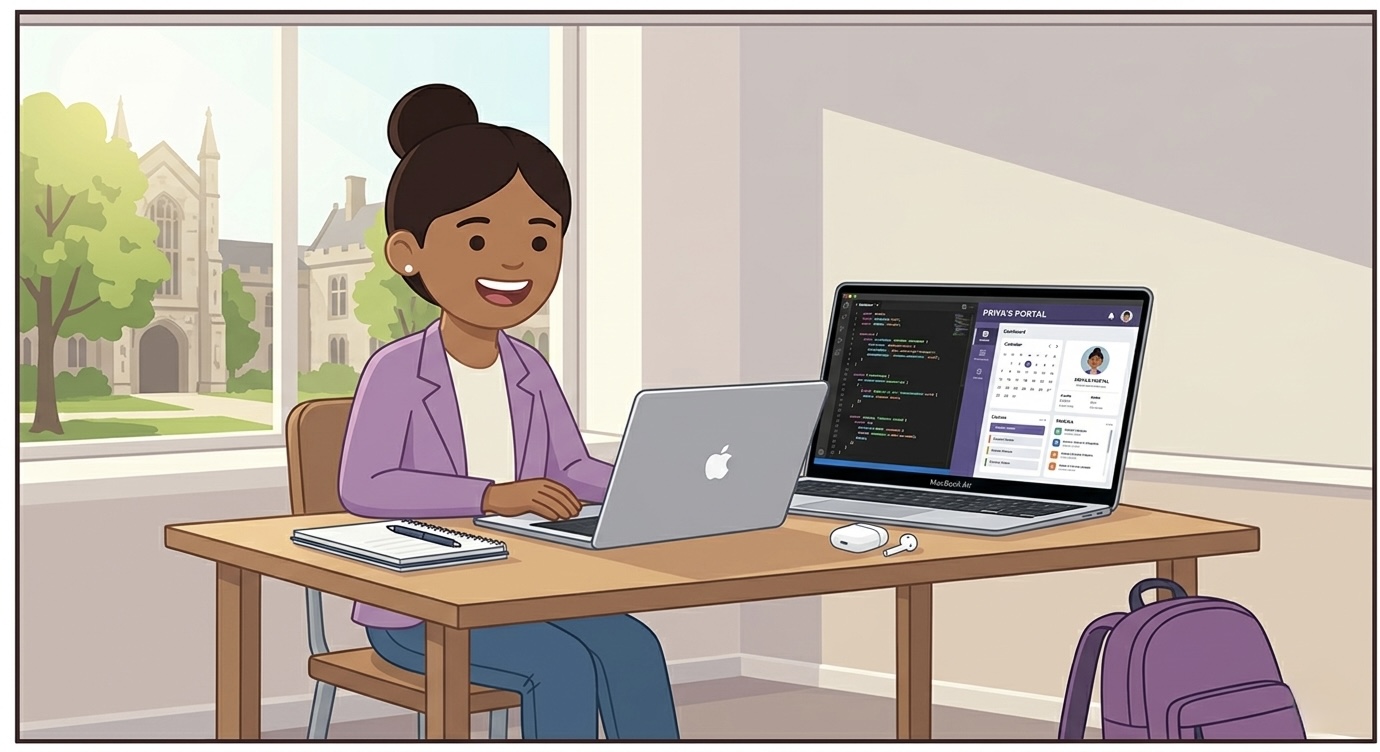
Decision made. MacBook Air M4 (13") — lightweight, all-day battery, native Unix environment, USB-C charging (same cable as her phone).
She buys through the Apple Education Store — saves ~$150 CAD, and the seasonal AirPods deal is still running. She registers for AppleCare+ at the student price.
Day 1 of class. Dev environment configured in 20 minutes. Battery lasts 14 hours. She doesn't carry a charger to campus on most days.
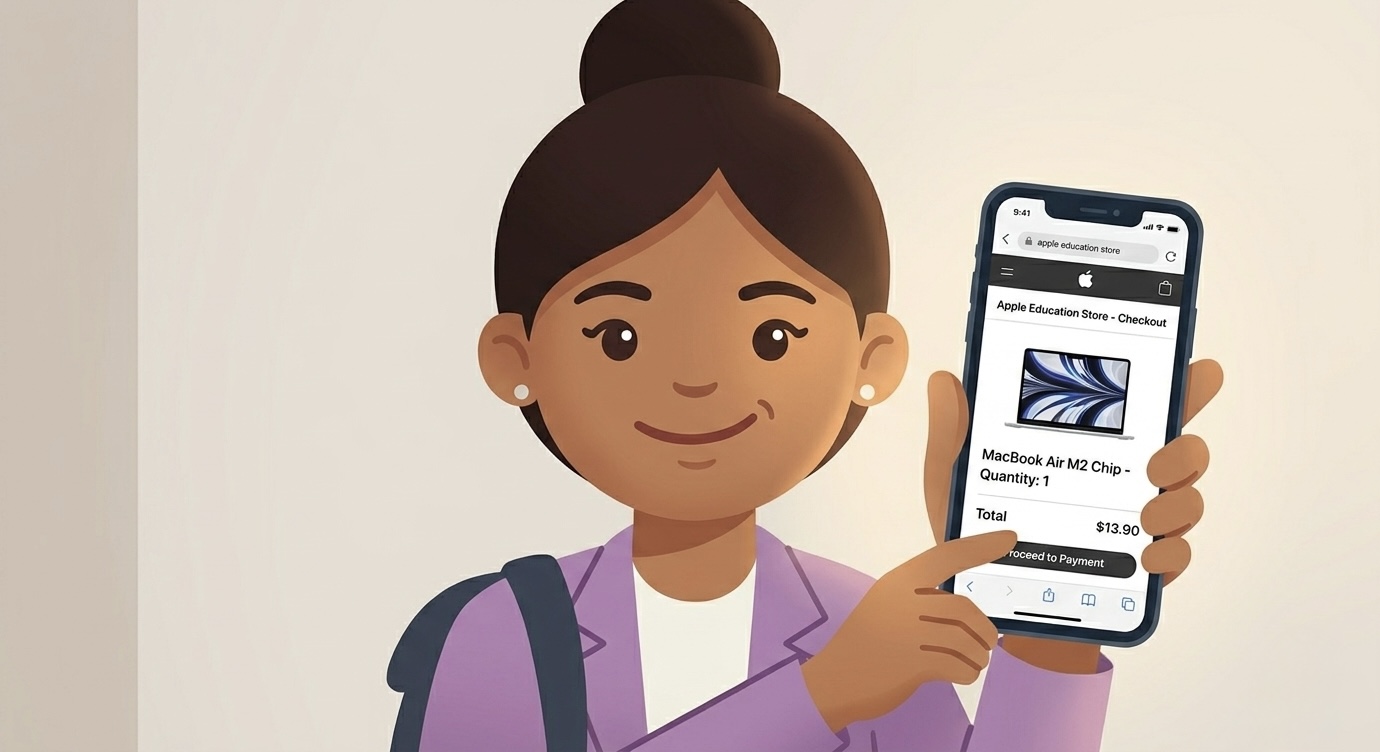
Never walk into a physical store without knowing exactly what you want. The Apple Education Store, Microsoft Education Store, and Best Buy Student all offer 5–15% off — but you have to use the student portal link. They won't automatically apply it at checkout.
The salesperson in a big box store is there to sell, not to understand your needs. Do your own research first. Then walk in confident. Both Mac and Windows are great — if you choose based on your actual usage.
Mac vs Windows — The Honest Comparison
| MacBook Air M4 | Windows (Mid-range) | |
|---|---|---|
| Battery life | 15–18 hours | 6–10 hours |
| Build quality | Excellent (aluminium) | Varies (mostly plastic) |
| CS/Dev environment | Native Unix — no setup | WSL required |
| Student discount | ~$150 off + AirPods (seasonal) | 5–10% off (register online) |
| Starting price (CAD) | ~$1,249 (Education Store saves extra) | $700–$1,200 |
| Resale value (3 years) | ~60% | ~30% |
| Charger | USB-C (same as your phone) | Proprietary power brick |
"For most international students — MacBook Air wins on battery, portability, and 3-year resale value. Windows wins if you need engineering software or are on a tight budget. Neither is wrong. Both are right for different people."
Where to Buy
01 — Best for Mac
Apple Education Store
apple.com/ca/education — student pricing, seasonal AirPods deal, AppleCare+ at student rate.
02 — Best for Windows
Best Buy Student
Competitive on Windows, extended warranty options, price match available.
03 — For Accessories
Amazon Student
Great for cases, stands, cables. Not always the best laptop price — compare first.
04 — Budget Option
Facebook Marketplace
Last year's model at 40% off if you know what to look for. Inspect before buying. No warranty.
Open Box vs Refurbished vs Used
| Type | What It Means | Verdict |
|---|---|---|
| Open Box | Returned within 14-day window, light use, no damage | ✅ Good option — Best Buy website only (not in store) |
| Certified Refurbished | Defective return, fixed and re-certified by manufacturer | ✅ Only from Apple's own site. Avoid Windows refurb. |
| Used (private seller) | Bought and used by a customer, sold as-is | ⚠️ Only if 40%+ cheaper. No warranty. Inspect carefully. |
Open box laptops are listed on the Best Buy website only — not in store. Always check the return window and warranty info before buying. Never buy any laptop marked as "final sale."
Buy for Your Program — Not Your Classmate's Setup
💻 Computer Science / Software Engineering
Mac preferred — native Unix terminal, no WSL setup, great Python/dev environment. Minimum 16GB RAM if running Docker, Android Studio, or virtual machines.
⚙️ Engineering (Civil, Mechanical, Electrical)
Check if your software (AutoCAD, SolidWorks, MATLAB) runs on Mac before buying. Many don't natively. A Windows laptop with a dedicated GPU may be the smarter long-term call.
📊 Business / Finance
Mac works great for presentations and case studies. But Excel on Mac lacks full Power Query and VBA support. If your program is Excel-heavy, Windows gives you the complete version.
🎨 Arts / Humanities / Marketing
Either platform works. MacBook Air is lighter and lasts longer on battery for full days on campus. Adobe Creative Suite runs excellently on Apple Silicon.
❌ Avoid Chromebooks for university. Most IDEs, development environments, and university software won't run natively on Chrome OS. They're designed for light users — casual browsing and Google apps only. An iPad with a keyboard gives you more university utility than a Chromebook.
Canadian Pricing Reference (2026)
MacBook Air M4 13"
Apple Education Store may save extra on top
MacBook Air M5 13"
Premium tier — for heavy workloads or 5+ year users
Dell XPS 13
Premium Windows — excellent build quality
HP Pavilion 15
Solid budget Windows option
Lenovo IdeaPad Flex 5
Budget pick — arts, business, humanities students
Don't stretch your budget. Get whichever fits right now, then trade in once you're earning. You can also wait on buying entirely — use your university's computer labs (free, open most hours) or library computers while you settle in.
From the StudenzBit Team
💬 Personal Experience
When I arrived in Canada for my CS program, I was genuinely overwhelmed about the laptop decision. MacBook or Windows? Am I overspending? Is it even worth it?
Before buying anything, I emailed my university and asked exactly which software the program used — and whether it ran on Mac. They confirmed either platform would work. That one email saved me weeks of second-guessing.
I ended up finding an open-box MacBook Pro on the Best Buy website — cheaper than a brand new MacBook Air, still had 11 months of Apple warranty left, and arrived in perfect condition. That laptop lasted my entire 4-year degree without a single issue.
Was there a hiccup? Yes — one course used Windows-only software. I borrowed a friend's laptop for home practice and used lab computers for lectures and exams. Minor inconvenience. Not a dealbreaker.
The students I saw struggle most weren't the ones who bought budget laptops — they were the ones whose relatives bought expensive laptops for them before arrival, without checking requirements or deals. Big screens, touch features, but underpowered chips and poor build quality. They regretted it for four years.
Don't let anyone else make this decision for you. You're the one using it every day for four years. Research it yourself, stay within budget, and choose wisely.
The Lesson
- Email your program about OS requirements before buying anything
- Always buy from the Education Store — never pay full retail
- MacBook Air M4 is the safest choice for 95% of students in 2026
- AppleCare+ at student price is worth it for a machine you'll use 6 hours/day
- Budget $1,300–$1,600 CAD for a laptop that lasts 4 years vs $800 that lasts 18 months
- Avoid Chromebooks for any STEM or business program
- University computer labs are free — use them while you settle your budget
- Resale value matters: MacBook holds ~60% after 3 years. Windows holds ~30%
StudenzBit Resources
Laptop Guide →
Complete comparison by program type, budget tiers, top picks for 2026, and where to buy.
AffiliateApple Education Store →
Student pricing on MacBooks, AirPods deal, and AppleCare+ at student rate.
Student DealsBest Buy Student →
Competitive Windows pricing, open box listings, and extended warranty options.
Blog 12 — The Night Before Your First Class
What to prepare, what to wear, what mindset to bring. Arjun goes in blind. Priya goes in ready. Tomorrow changes everything.
Coming up next: Blog 12.
Read Blog 12 →